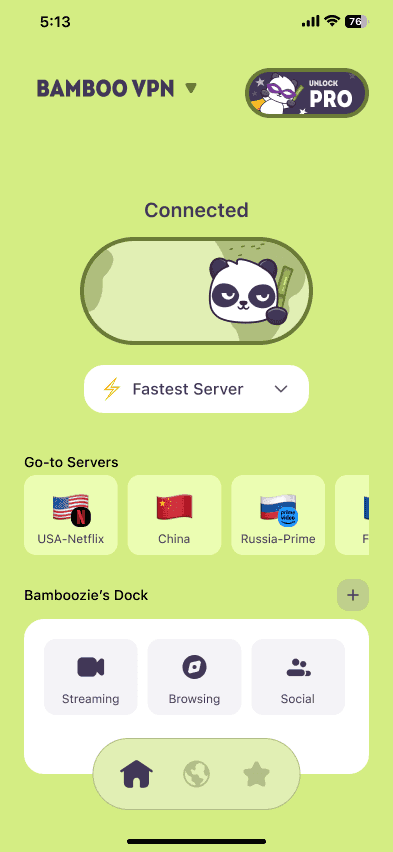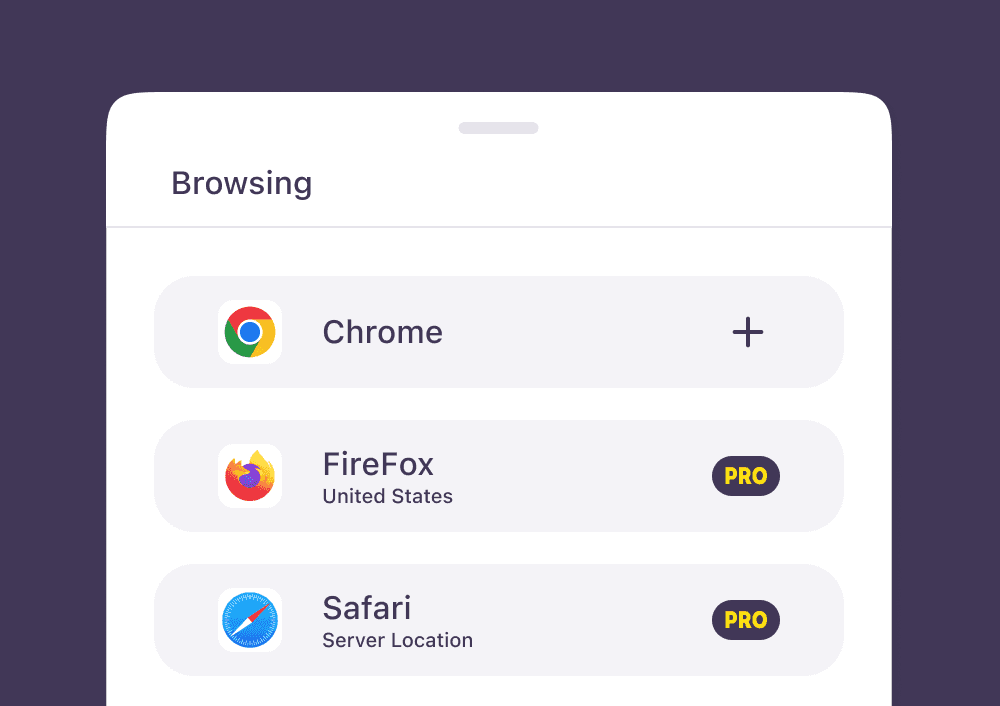
Everyday browsing says a lot about you: the sites you visit, the things you search for, the shops you compare. The Browsing category in BambooVPN has recommended servers for Chrome, Safari, Firefox, Edge, Brave, Opera and DuckDuckGo, so you can browse on a private connection in whichever browser you use.
How to use Browsing servers
- Open BambooVPN and tap Browsing on the home screen. You can choose which categories appear there.
- Pick your browser.
- Choose one of the recommended servers and connect.
- Browse as normal. The whole device is protected while the VPN is on.
Using Chrome on a computer? BambooVPN is also available as a Chrome extension. Not sure which to use? See VPN browser extension vs VPN app.
What a VPN does for your browsing
- Encrypts your connection between your device and the VPN server, on any network.
- Hides the sites you visit from your network. Your internet provider or the Wi-Fi owner sees a connection to a VPN server, not your browsing history.
- Hides your IP address from websites. Sites see the VPN server's address instead of yours.
- Can block known ad and tracker domains. BambooShield filters domains known for ads, trackers and malware, so pages load with less clutter.
What a VPN doesn't do
A VPN reduces what networks and websites can see, but it doesn't make you invisible. If you're signed in to an account, that site still knows it's you. Cookies and browser fingerprinting can also be used to recognise you. Combine your VPN with good browser habits.
Good browser habits
- Use your browser's private or incognito mode for searches you don't want saved on the device.
- Clear cookies regularly, or block third-party cookies in settings.
- Keep your browser updated. Updates fix security holes.
- Only install extensions you trust, and remove ones you don't use.
Frequently asked questions
Is incognito mode the same as a VPN?
No. Incognito mode stops your browser from saving your history on the device. A VPN encrypts your traffic and hides it from the network. They work well together.
Does a VPN protect me from websites tracking me?
Partly. Websites see the VPN's IP address instead of yours, and BambooShield can block known tracker domains. Signing in, cookies and fingerprinting can still identify you.
Does a VPN slow down browsing?
On a nearby server, the difference is usually small. Blocking ads and trackers can even make some pages load faster.
DOWNLOAD THE APP
THE INTERNET IS YOURS. UNLOCK.